Builder Guide
Get set up. Build something useful. Make your submission count.
Start here
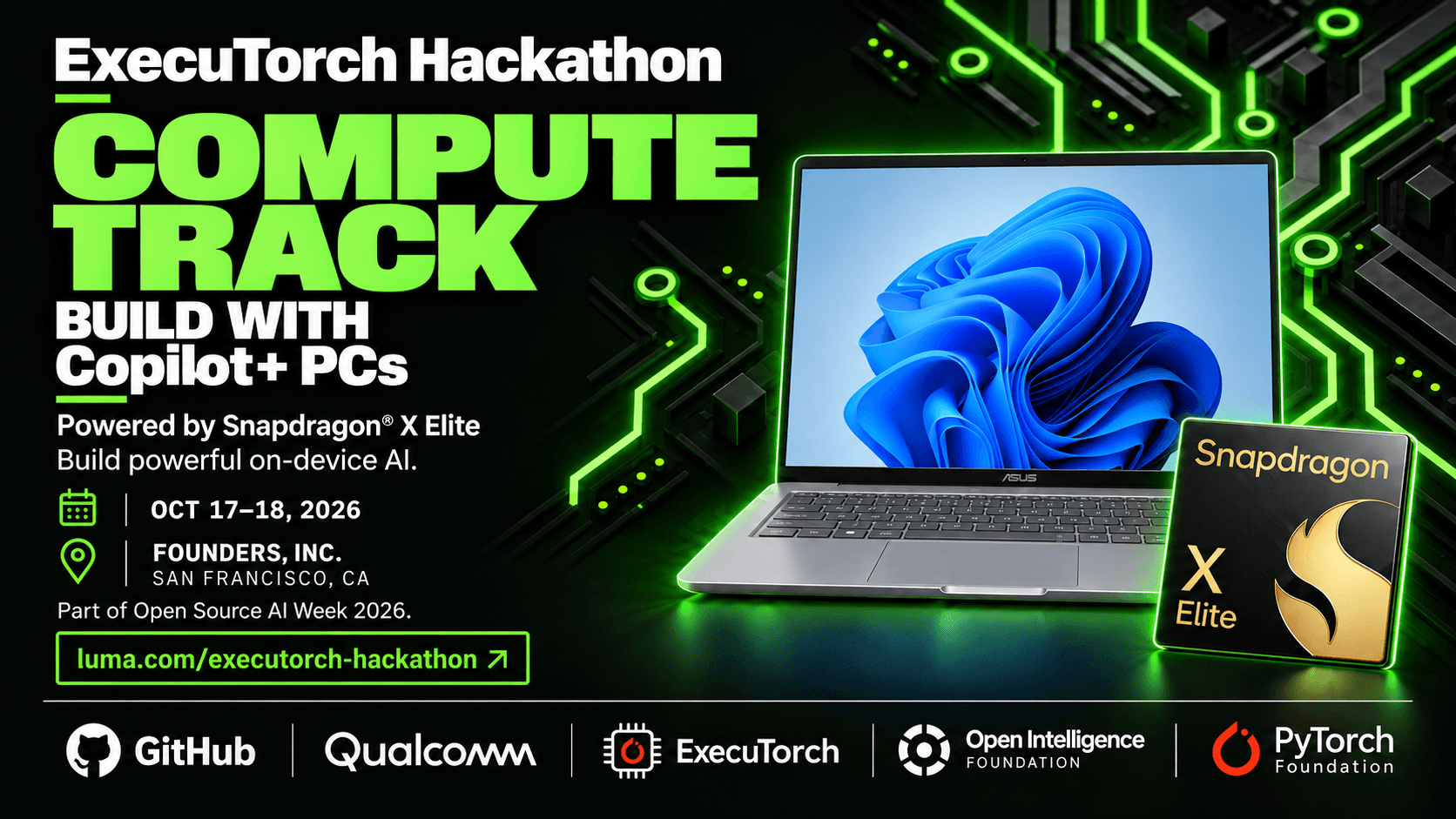
Compute Track — AI on your PC
ExecuTorch Hackathon · October 17–18, 2026 · Founder’s Inc., San Francisco
Teams: 3–5 people · Hardware pool: 30 Snapdragon X Elite PCs listed in the event guide
Build a useful desktop application that runs AI locally on a Snapdragon X Elite Copilot+ PC. Focus on a clear user problem, a responsive experience, and the value of keeping inference on the device. The guide targets a Dell Latitude running Windows 11 ARM64, with Qualcomm’s Hexagon NPU for accelerated inference.
Your first working demo
Image → ExecuTorch inference → visible segmentation mask. Start with the supplied DeepLab example, display the original image beside its predicted mask, and measure the time from input to visible result. Make the demo repeatable with another image and after restarting the application.
Suggested project directions: a local image-editing assistant, an accessibility tool that highlights relevant image regions, or a privacy-focused visual workflow. These are starting ideas, not additional event requirements; more ambitious models need their own compatible runtime and export path.
Get started
- Collect and check your laptop. Complete the team’s loaner agreement. Ask the track team for the preinstalled bundle location and model-specific instructions. Use PowerShell on Windows ARM64; compiling ExecuTorch is optional.
- Run the supplied model on real inputs. Confirm the bundle includes the model, ARM64 runner, matching QNN libraries, sample tensors, reference outputs, and preprocessing/rendering instructions. For the documented DeepLab path, the model targets
SC8380XP / HTP v73. - Connect inference to your application. Implement image selection or capture, the model’s exact preprocessing, and mask rendering. Keep the model loaded between requests.
- Check correctness and performance. Compare representative outputs with the supplied references. Record cold start, warmed inference, end-to-end latency, and memory use. Use profiling evidence to support NPU claims; Task Manager utilization alone is insufficient.
Setup dependency: the repository does not contain the Compute runtime/model bundle or its installed location. The guide’s Windows/NPU commands were checked against documentation, but that check did not execute the workflow on hardware. Get the prepared installation working before expanding scope. A run using default inputs is only a smoke test.
What a strong demo shows
A clear problem and user benefit; a visible result on the actual laptop; reliable behavior across multiple inputs; and measured evidence for any speed, privacy, or offline claims. A separately exported CPU baseline can support an acceleration comparison. Custom model export is a stretch goal after the starter works.
Submission and judging
Submit by Sunday, October 18, 1:00 PM Pacific through the sponsor-announced submission form. Provide a public GitHub repository and demo video. Include an open-source license and a README with the application description, team names/emails, dependencies, setup, and run instructions. Deliver an installable, runnable application using ExecuTorch, with most components running locally; hybrid cloud use is allowed. Volunteer live demos have a five-minute limit.
Scoring / 100: use case and impact 40 · technical implementation 25 · on-device AI and resource efficiency 15 · deployment, documentation, and accessibility 10 · presentation 10. One team wins the Compute track.
Help: Compute contacts listed in the event guide: Aaishika and Harsh. Participant Discord.
Sources and next steps: Compute guide · Bundle checklist · Event guide. Reviewed October 16, 2026.
Before you build
- Read the event rules →
Check eligibility, team requirements, and permitted work.
- Get your tools ready →
Find documentation, starter kits, and partner resources.
- Plan your submission →
Review the deadline, demo instructions, and judging criteria.