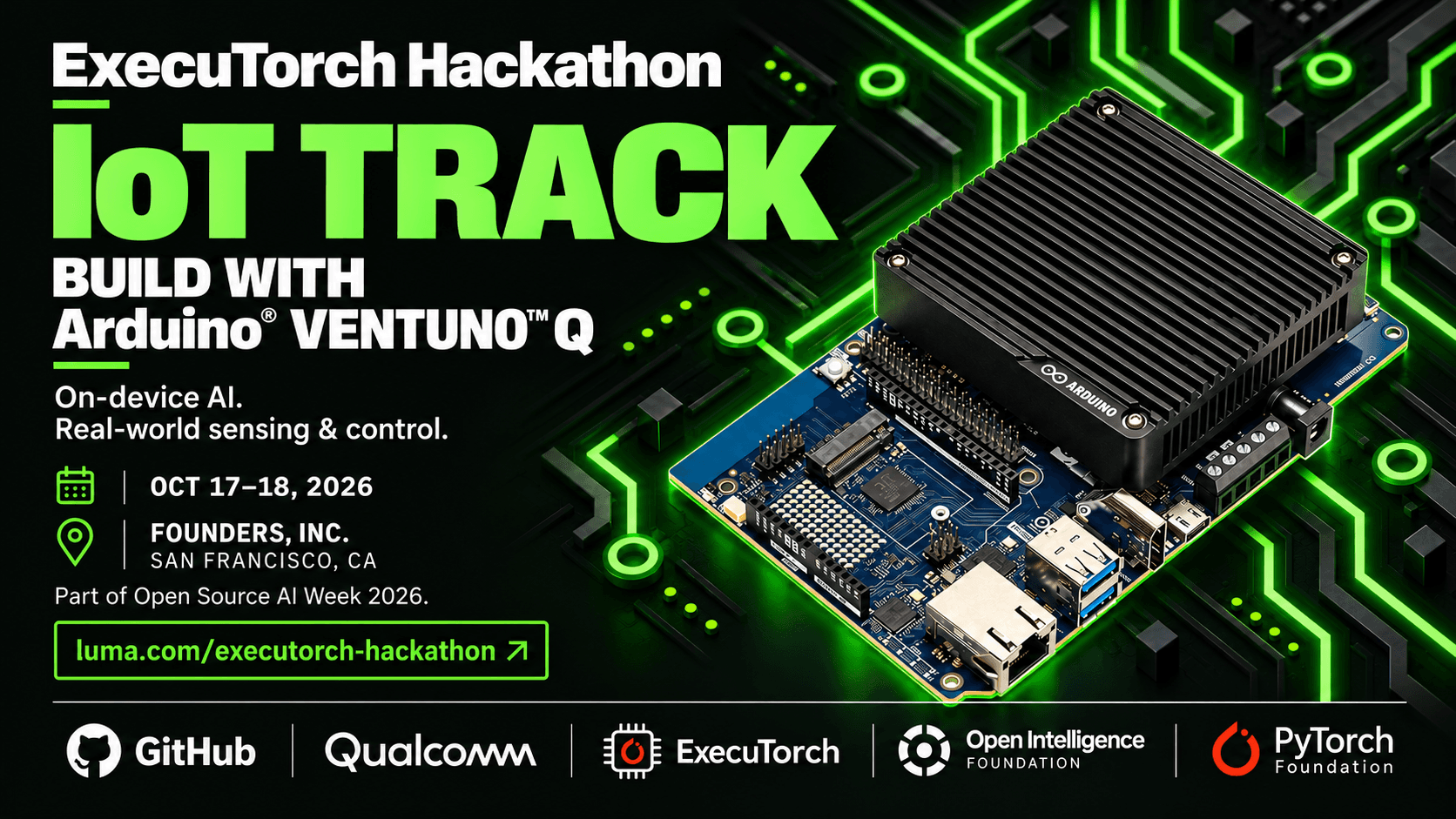
Builder Guide
Get set up. Build something useful. Make your submission count.
Start here
IoT Track — AI that senses and responds
ExecuTorch Hackathon · October 17–18, 2026 · Founder’s Inc., San Francisco
Teams: 3–5 people · Hardware pool: 15 Arduino VENTUNO Q boards listed in the event guide
Build an edge application that connects local AI to a physical response. VENTUNO Q combines a Qualcomm Dragonwing IQ8 / QCS8275 processor running Ubuntu Linux with an STM32H5F5 microcontroller. Run application logic and ExecuTorch inference on Linux; use the microcontroller for sensors, GPIO, and time-sensitive control. Arduino Bridge connects the two.
Your first working demo
Input → Linux inference → bounded MCU response. First toggle an LED from Linux through Arduino Bridge. Then run a model and use its output to drive a visible response, such as changing the LED state. Retain a known input and expected response so the demo is easy to repeat.
Suggested directions: a vision-triggered indicator, a local equipment-status assistant, or a sensor-aware interface. These are project ideas, not required challenges. Confirm access to any additional sensors, cameras, or actuators before depending on them.
Get started
- Prepare the board. Complete the loaner agreement and follow the track’s board setup instructions. Obtain the supported image, Linux ARM64 runners, compatible QNN libraries, and model bundle. Use Arduino App Lab for the Python/sketch example and a board terminal for inference commands.
- Prove Linux-to-MCU communication. Run the guide’s LED example and check the
arduino-routerservice. Use the official Bridge API; keep hardware callbacks short and the MCU loop responsive. - Run one useful model. Start with
add.pteas a smoke test, then choose DINOv2 vision or Qwen3 0.6B text generation. You do not need both. DINOv2 needs matching preprocessing, labels, sample inputs, and reference outputs; Qwen needs its matching tokenizer and LLM runner. - Connect and measure. Send inference results through Bridge to a bounded MCU action. Compare expected outputs, measure sensor/input-to-action latency, record memory and sustained behavior, and repeat after restarting the application. Keep timing-sensitive control and actuator limits on the MCU.
Setup dependency: the repository contains the Bridge test client, but no installable IoT model/runtime bundle or download link. Obtain those from the track team. The guide requires a board-supported QCS8275 checkout/runtime; it does not establish that stock upstream ExecuTorch supports this board. Source builds and custom export are optional advanced work.
What a strong demo shows
A useful physical interaction, a reliable input-to-action loop, and a clear reason inference belongs on the device. Show where Linux inference ends and MCU control begins. Validate NPU execution with profiling before claiming acceleration; a working LED or successful model load alone does not prove it.
Submission and judging
Submit by Sunday, October 18, 1:00 PM Pacific through the sponsor-announced submission form. Provide a public GitHub repository and demo video, an open-source license, and a README covering the application, team names/emails, dependencies, setup, and usage. Deliver an installable, runnable application using ExecuTorch, with most components running locally; hybrid cloud use is allowed. Volunteer live demos have a five-minute limit.
Scoring / 100: use case and impact 40 · technical implementation 25 · on-device AI and resource efficiency 15 · deployment, documentation, and accessibility 10 · presentation 10. One team wins the IoT track.
Help: IoT contact listed in the event guide: Derrick. Participant Discord.
Sources and next steps: IoT guide · Bundle checklist · Event guide. Reviewed October 16, 2026.
Before you build
- Read the event rules →
Check eligibility, team requirements, and permitted work.
- Get your tools ready →
Find documentation, starter kits, and partner resources.
- Plan your submission →
Review the deadline, demo instructions, and judging criteria.